For businesses
White-Label Platform
- Your logo, colours and domain on the platform
- Multi-broker connectivity, OMS and RMS
- Roles, permissions and session control
- Your clients, your licence, your relationships

White-Label Solutions & Platform as a Service
Institutional trading infrastructure — delivered under your brand, or connected to the broker account you already hold.
Instruments served
Coverage follows the broker accounts you connect.
Lotus Capital provides technology infrastructure, not regulatory licences, custody, brokerage permissions or investment management. Read our Risk Disclaimer.
For businesses
For individuals
Built for brokers, proprietary trading firms, new brokerage ventures and individual traders.
VTrader is the voice layer on the Lotus platform. You say the order the way you would say it to a colleague, and the workspace does the typing.
Supported broker accounts connected into one environment, covering CFD and futures markets.
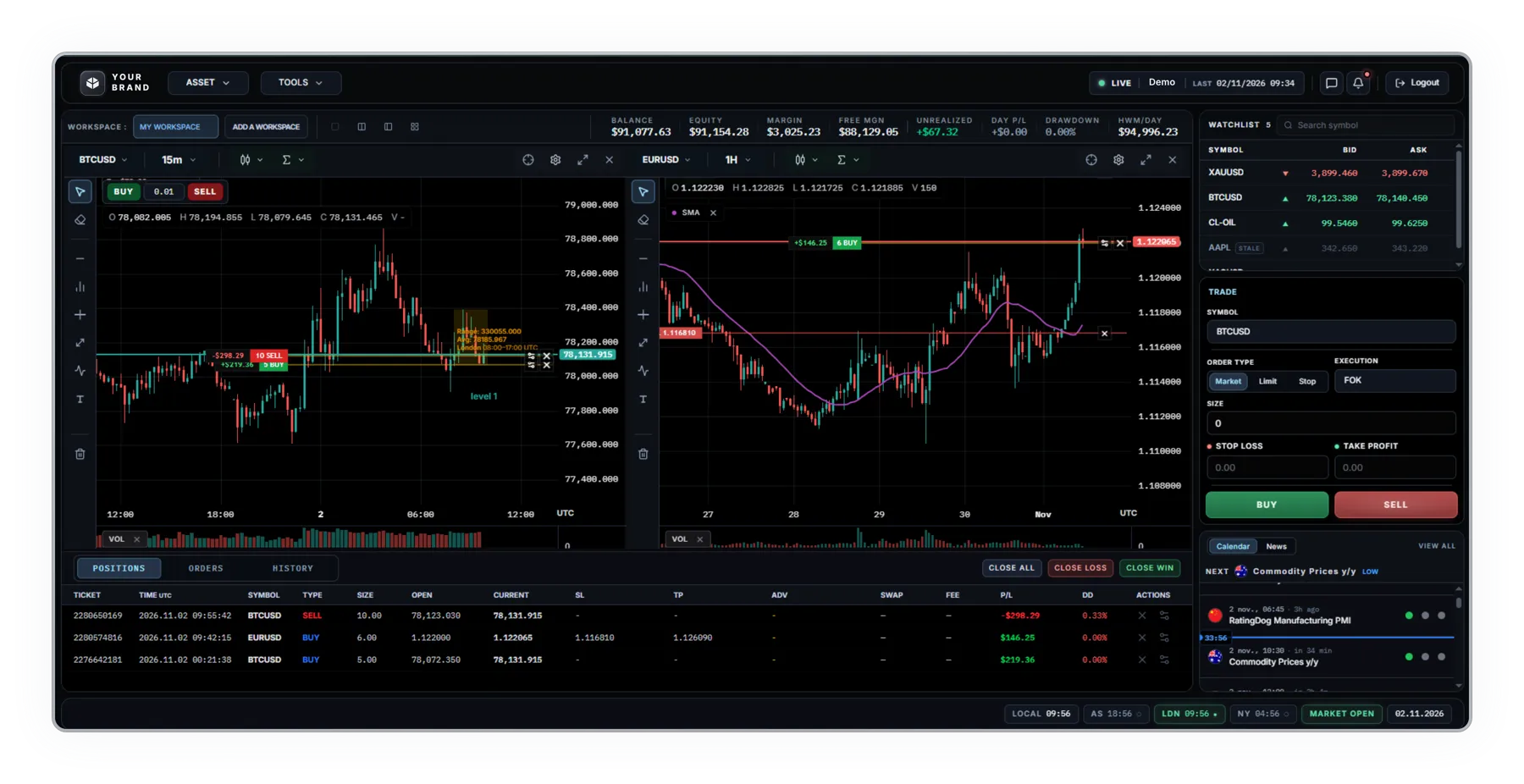
Orders captured, routed and tracked; limits and alerts enforced.
Master-account trades replicated into linked accounts.
Positions, P&L, connectivity and session status in one view.
Defined integration points for automated and quantitative workflows.
Role-based control over users, accounts, sessions and features.
Voice order entry — your eyes stay on the chart while the ticket is assembled.
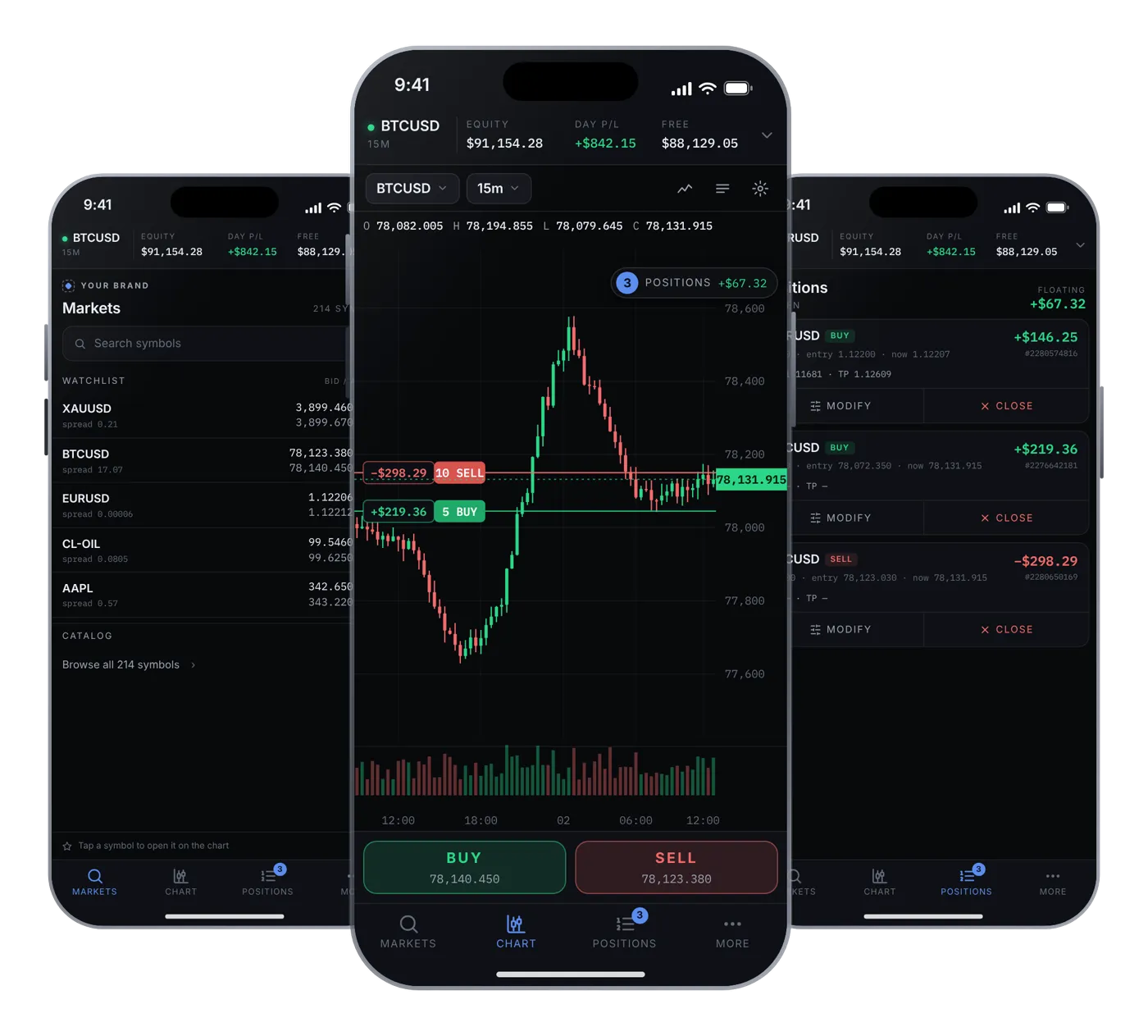
One platform across browser, iOS, Android and installed PWA.
The operator side of the same platform. Accounts, strategies, agents and risk decisions sit behind one navigation, scoped to all accounts or to a single one.
Agents have their own screens inside the console, so automation stays supervised.
Build your own workflows inside the platform — from monitoring and risk management to execution, algo trading, reporting and notifications.
Live sessions and portfolio health, with an intraday panel that moves while the desk is open.
Performance over any period, from a single day to full history, with benchmarks and the sample behind every ratio shown on screen.
Automated risk controls and account guard working across multiple levels of capital preservation.
Accounts, roles and sessions, so access is per person rather than one shared login.
A research area of its own, kept away from live execution.
A bird's-eye view across the whole operation — accounts, documentation, reporting and the audit record.
Configure the environment around your business before it reaches your users.
Lotus Capital provides
You retain
How broker access works
Connectivity is provisioned for you, not self-serve: our team configures the link to your supported broker account during onboarding, and the brokers we can support are confirmed before anything is set up. You are never asked to enter broker credentials into a website form.
Tell us which broker you use and which markets you trade.
We configure the link to your supported broker account.
Watchlists, charts and risk views arranged around how you trade.
Reach the same environment from any device you sign in on.
Business model, operating requirements and target environment.
Branding, features, roles and connectivity agreed.
Execution, data and controls validated.
Environment goes live with the agreed support arrangements.
Capabilities, integrations and timing are confirmed in the agreed scope; no service-level commitment is implied.
Prefer email?
contact@lotuscapital-invest.comWhite-Label & PaaS enquiry
Whether you are a trading business or an individual trader, share your setup and what you need from the platform. Required fields are marked *.